PLANNING
Start with a clearer day.
Bring subjects, timetables, tasks, and exams together. See what is next without jumping between separate lists.
01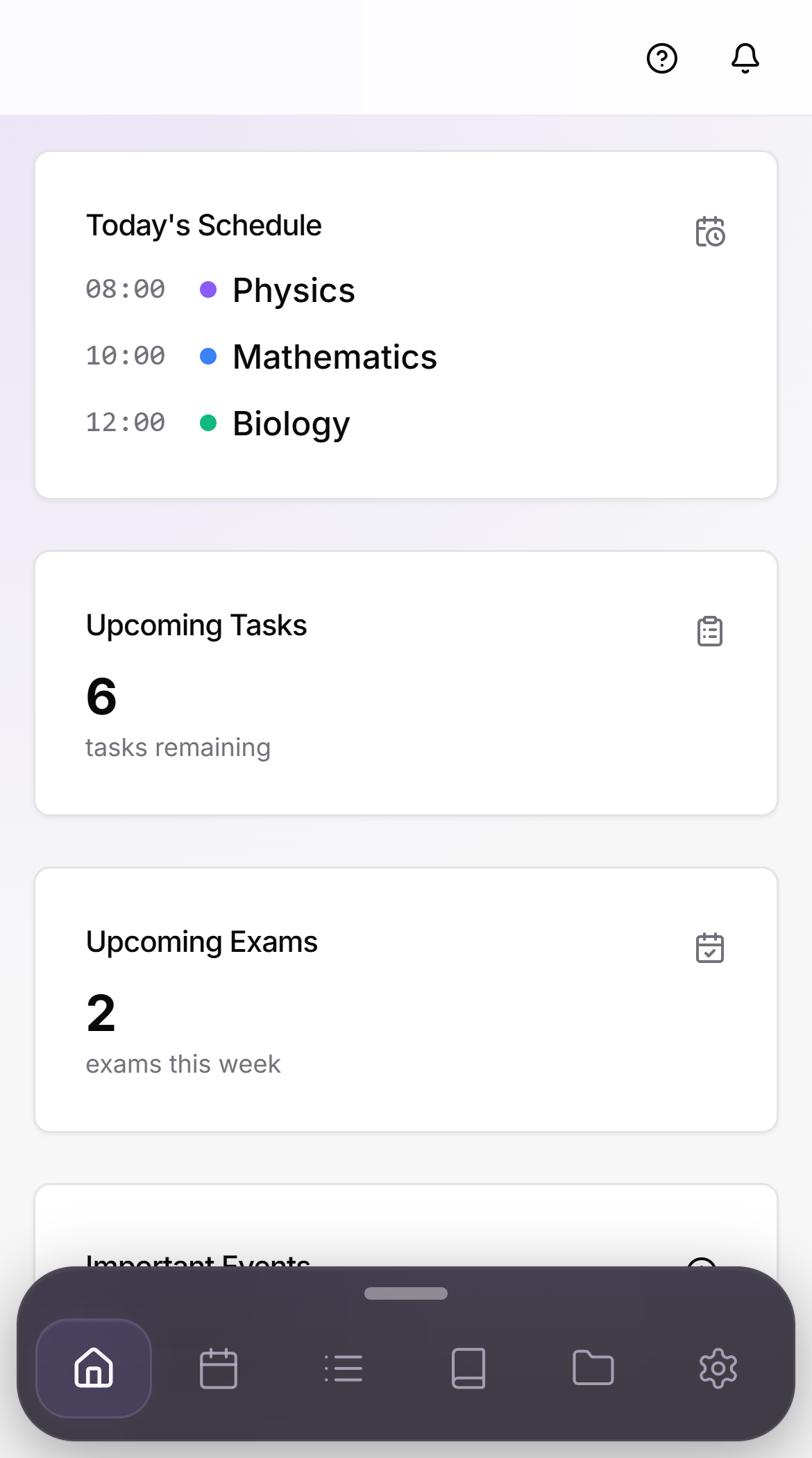
 17NOTEAndroid
17NOTE brings study planning, PDF work, and an AI assistant into one workspace. You choose how to use it.
PLANNING
Bring subjects, timetables, tasks, and exams together. See what is next without jumping between separate lists.
0117PDF
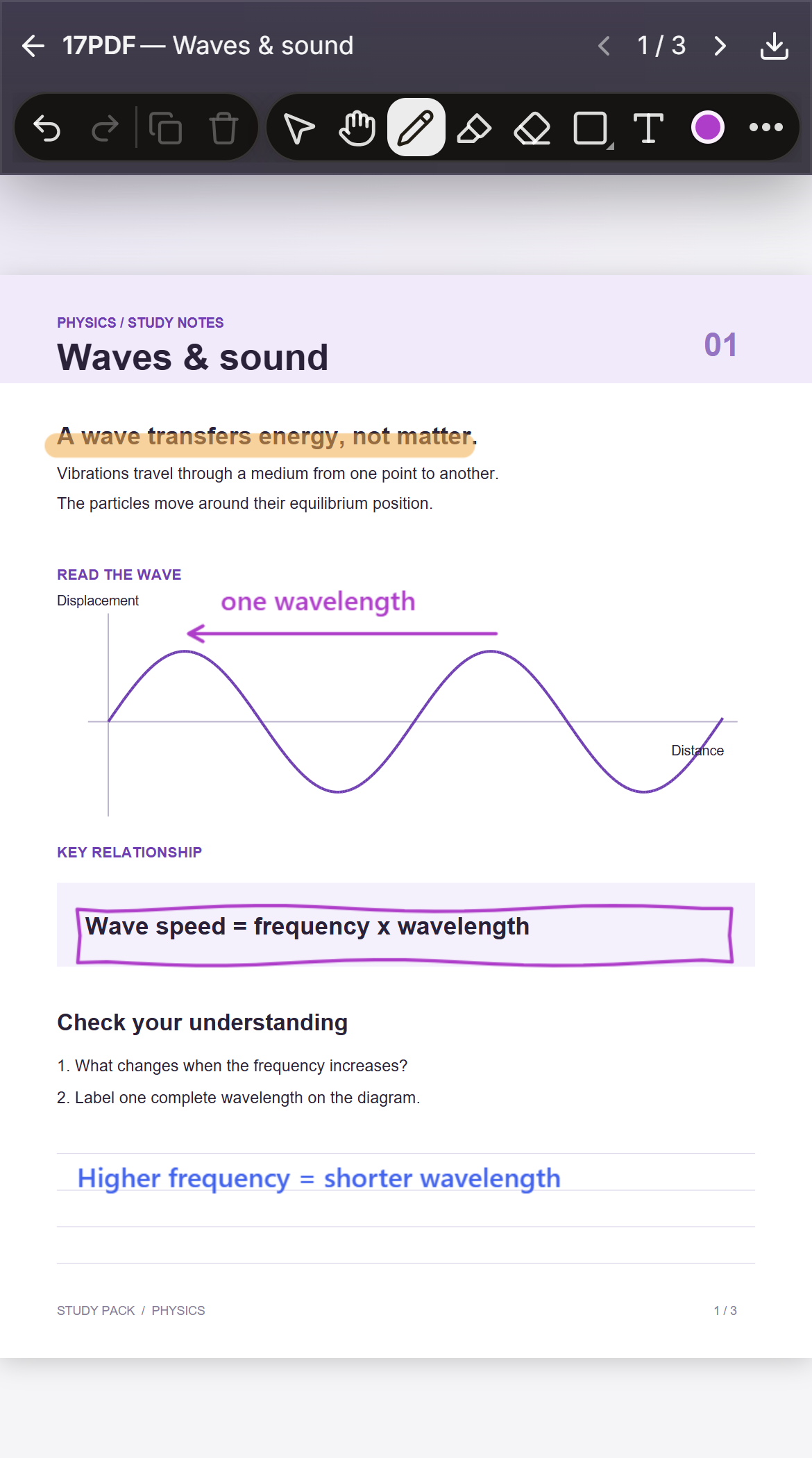
Read your files, highlight what matters, and write or draw on the page. Keep explanations and questions in your study space.
0217AI
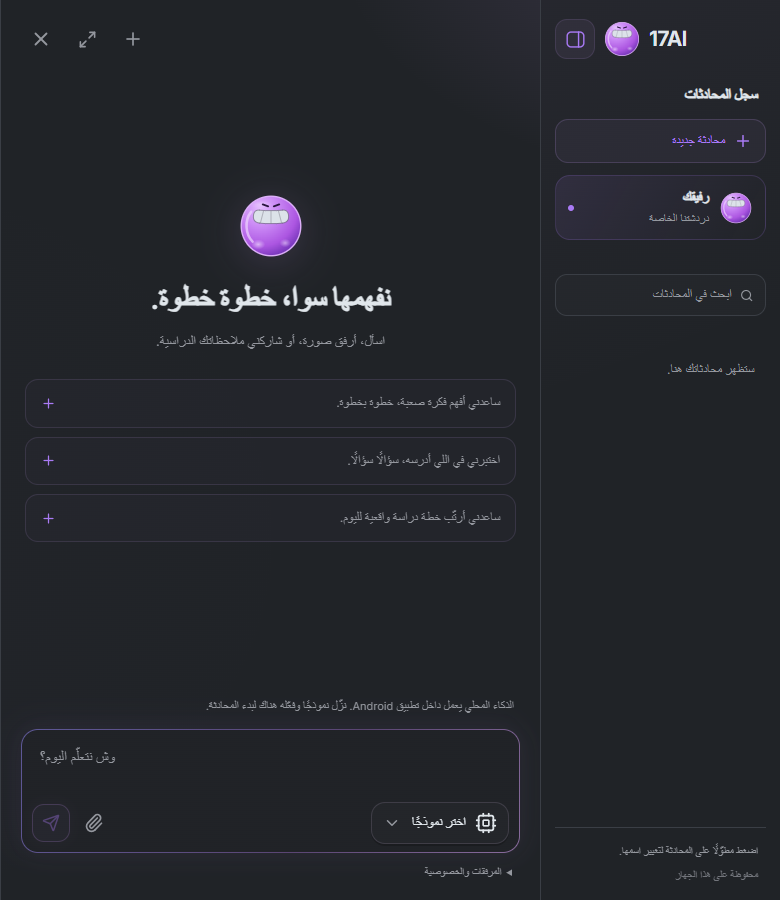
Ask in your language and attach an image or file when useful. Choose a provider or a supported local model, and control access to study and document context.
03A LOOK INSIDE
A small character moves and responds inside the app, with controls for its visibility and interactions. A study space with a little personality.
00:24 / 17NOTETake your schedule, files, and assistant with you.
They are features inside 17NOTE: an assistant for conversation and study, and a workspace for PDF documents.
Supported local models can run on compatible Android devices after download. External AI providers need an internet connection and may charge for usage.
Attachments and PDF content made available to the assistant may be included in cloud chat requests. Document access and study context have controls; read the privacy policy before sharing sensitive content.
Use the support page and include your device, app version, and steps to reproduce the issue. Never send passwords or API keys.